
Changing an Employee's Password
Changing an Employee’s Password
To change an Employee’s password, follow these steps:
-
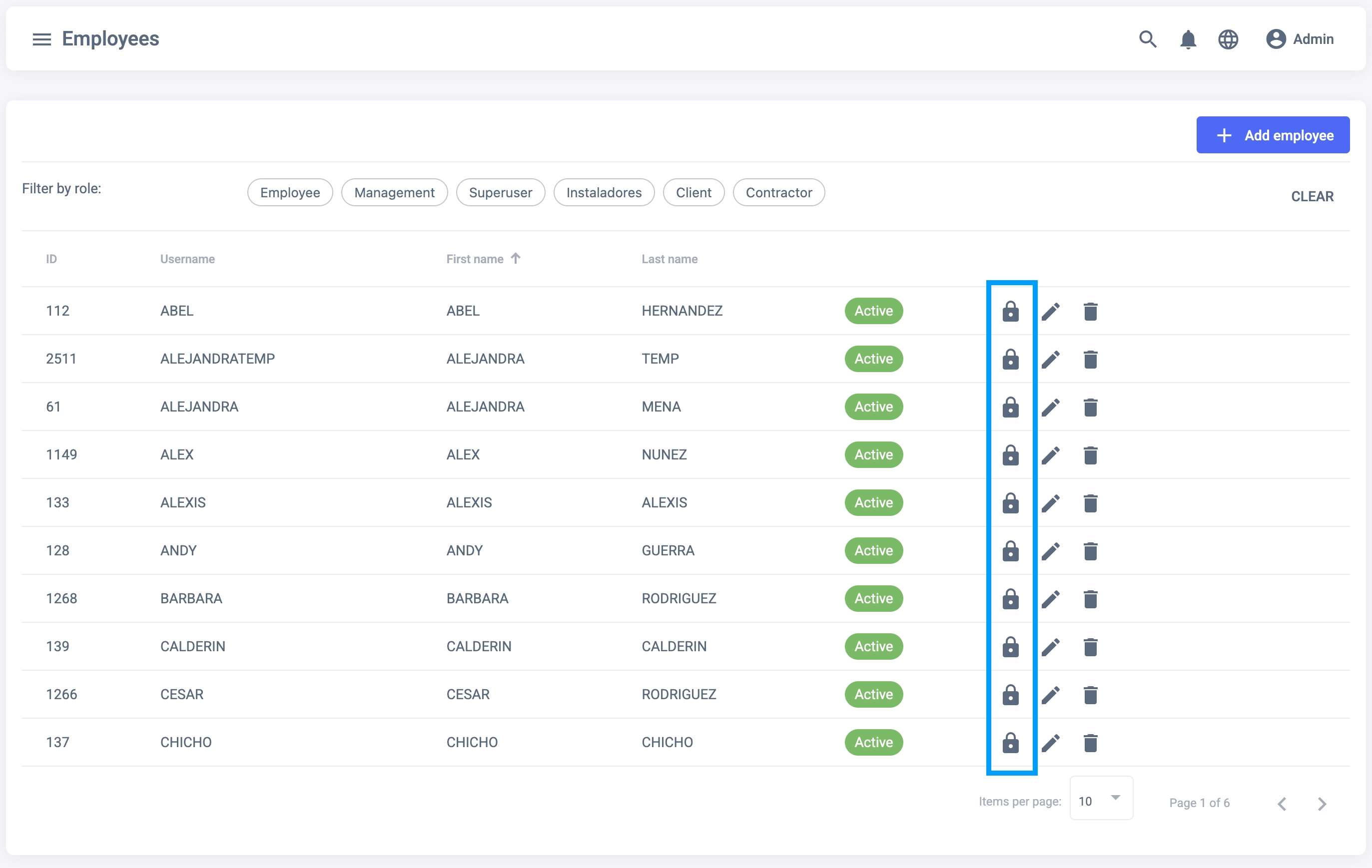
Go to the Employees Tab.
-
Select the Employee you want to change the password for and click on the Lock icon.
- You will be redirected to the Change Password window. Choose a password that matches the validation requirements and confirm it on the second text box.
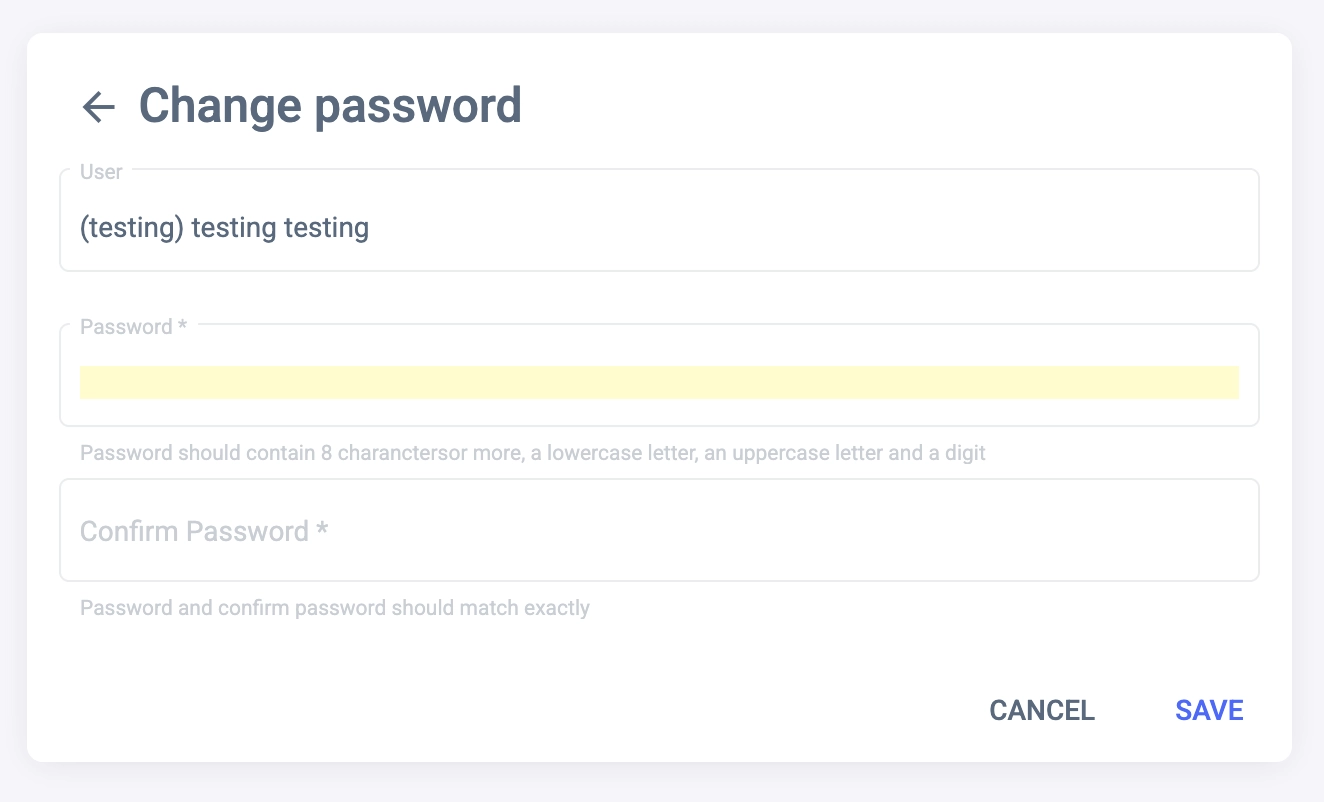
- Click on the Save button to save the new password.